
Appearance
CentOS 7 安装 MySQL 5.7
1. 安装步骤
1.1. 卸载系统自带 mariadb
查看并卸载系统自带的 MariaDB 数据库。
Note:因为这个会和 MySQL 有冲突。
Bash
rpm -qa | grep mariadbBash
rpm -e --nodeps mariadb-libs-5.5.68-1.el7.x86_64
1.2. 下载 MySQL 官网 yum 源
由于 CentOS 的 yum 源中没有 MySQL,需要到 MySQL 官网下载 yum repo 配置文件:
Bash
# wget 未安装时执行,已安装跳过即可
yum install wget -y
# 下载 MySQL 的 yum 源配置
wget http://dev.mysql.com/get/mysql57-community-release-el7-11.noarch.rpm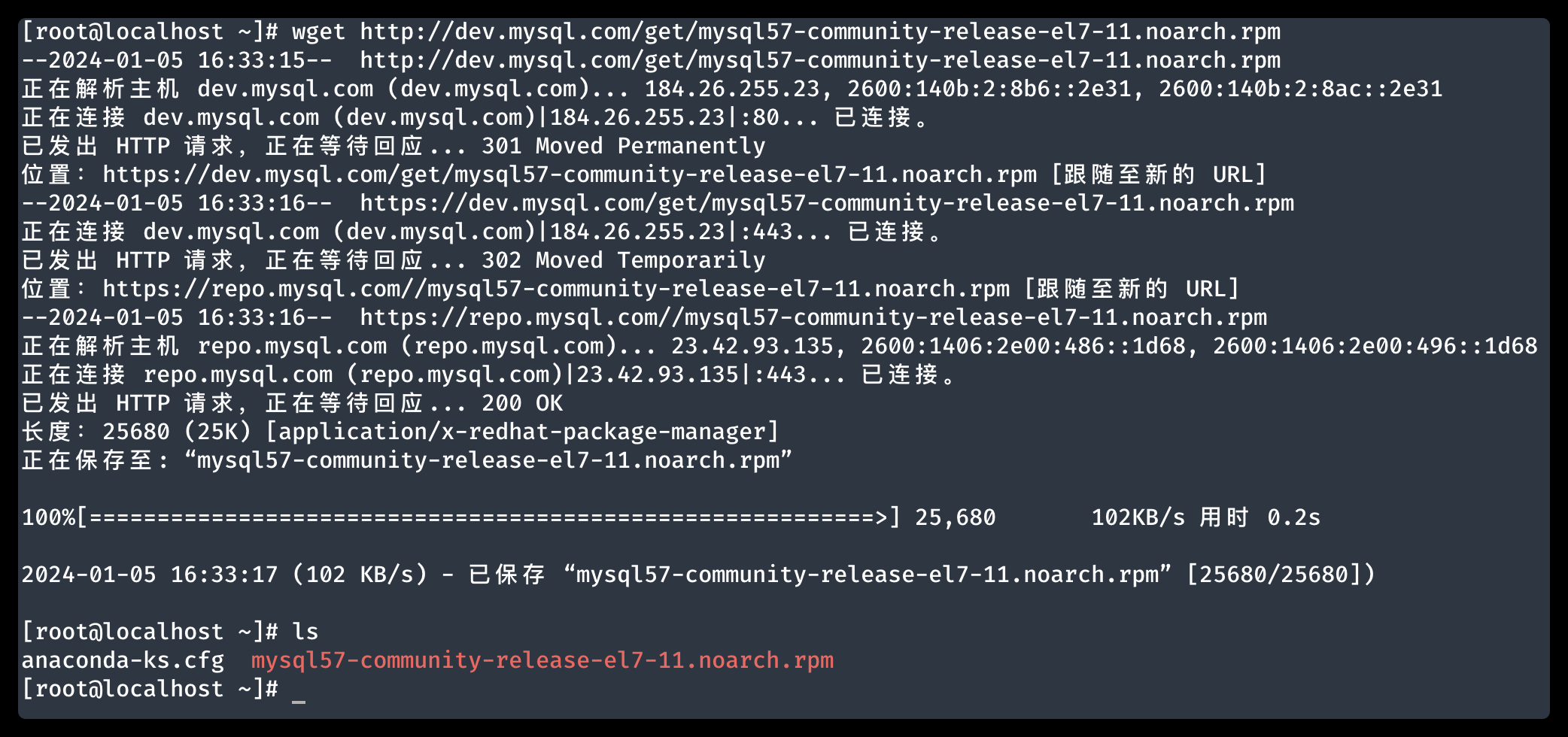
1.3. 安装 MySQL 官方的 yum 源
运行以下命令:
Bash
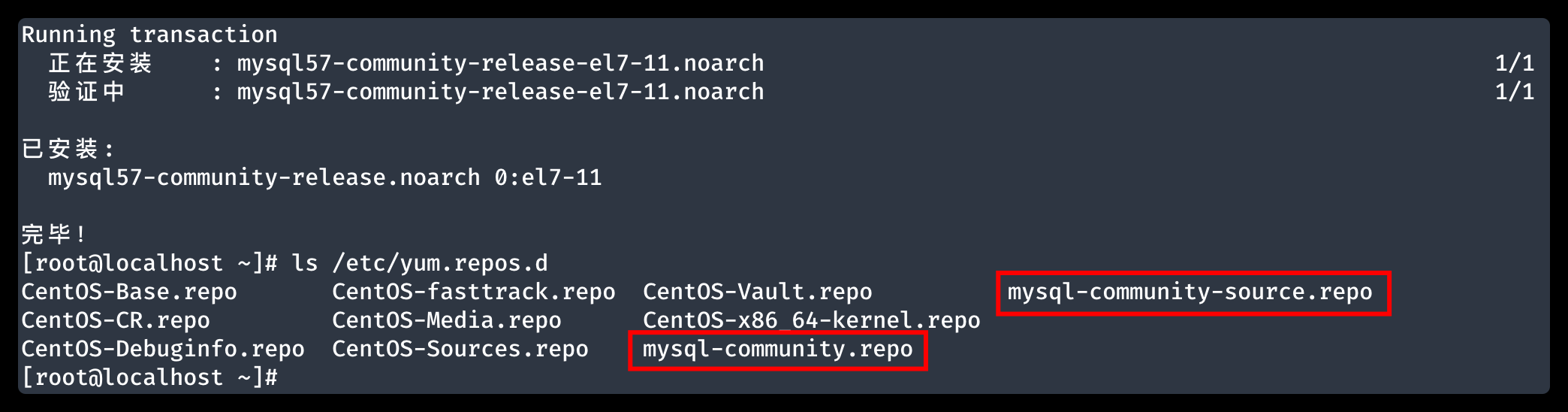
yum -y install mysql57-community-release-el7-11.noarch.rpm命令执行完成后会在 /etc/yum.repos.d 目录下生成两个 repo 文件,如下图所示:
1.4. 使用 yum 的方式安装 MySQL
运行以下命令安装:
Bash
yum install mysql-server -yNote
安装过程中如果出现以下错误:
Bash# ... The GPG keys listed for the "MySQL 5.7 Community Server" repository are already installed but they are not correct for this package. Check that the correct key URLs are configured for this repository. Failing package is: mysql-community-libs-5.7.44-1.el7.x86_64 GPG Keys are configured as: file:///etc/pki/rpm-gpg/RPM-GPG-KEY-mysql运行下面的命令可以解决:
Bashrpm --import https://repo.mysql.com/RPM-GPG-KEY-mysql-2022
2. 使用 MySQL
2.1. 启动 MySQL
Bash
# 启动 mysql 服务
systemctl start mysqld
# 查看 mysql 服务状态
systemctl status mysqld
2.2. 获取临时密码
运行以下命令可以查看临时密码,如下图所示:
Bash
cat /var/log/mysqld.log | grep password
2.3. 修改登录密码
使用刚才的临时密码登录 MySQL。
Bash
mysql -u root -p使用以下命令修改密码:
Bash
ALTER USER 'root'@'localhost' IDENTIFIED BY 'YOUR_PASSWORD';Note
当密码过于简单时,可能会遇到下面的错误提示,这是 MySQL 的密码安全策略。
Bashmysql> ALTER USER 'root'@'localhost' IDENTIFIED BY '123456'; ERROR 1819 (HY000): Your password does not satisfy the current policy requirements mysql> ALTER USER 'root'@'localhost' IDENTIFIED BY 'YOUR_PASSWORD'; Query OK, 0 rows affected (0.00 sec)如果要设置简单的密码,先运行以下命令,就可以使用长度大于等于 6 的简单密码了。
Bashset global validate_password_policy = 0; set global validate_password_length = 6;
2.4. 设置远程访问
开启 MySQL 的远程访问权限
Bash
# 赋予 root 用户外部访问权限
grant all privileges on *.* to 'root'@'%' identified by 'YOUR_PASSWORD' with grant option;Bash
# 刷新权限
flush privileges;
开放防火墙端口 3306,此时同一局域网下的电脑就可以通过局域网 IP 连接 MySQL 了。
Bash
# 查看防火墙状态
firewall-cmd --state
Bash
# 开放 3306 端口
firewall-cmd --zone=public --add-port=3306/tcp --permanent
Bash
# 立即生效
firewall-cmd --reload